How to Record Your Voice Online Without Installing Anything
Record clean audio in a browser tab, pick the right download format, and dodge the mistakes that quietly ruin a take — no software, no signup, no upload.
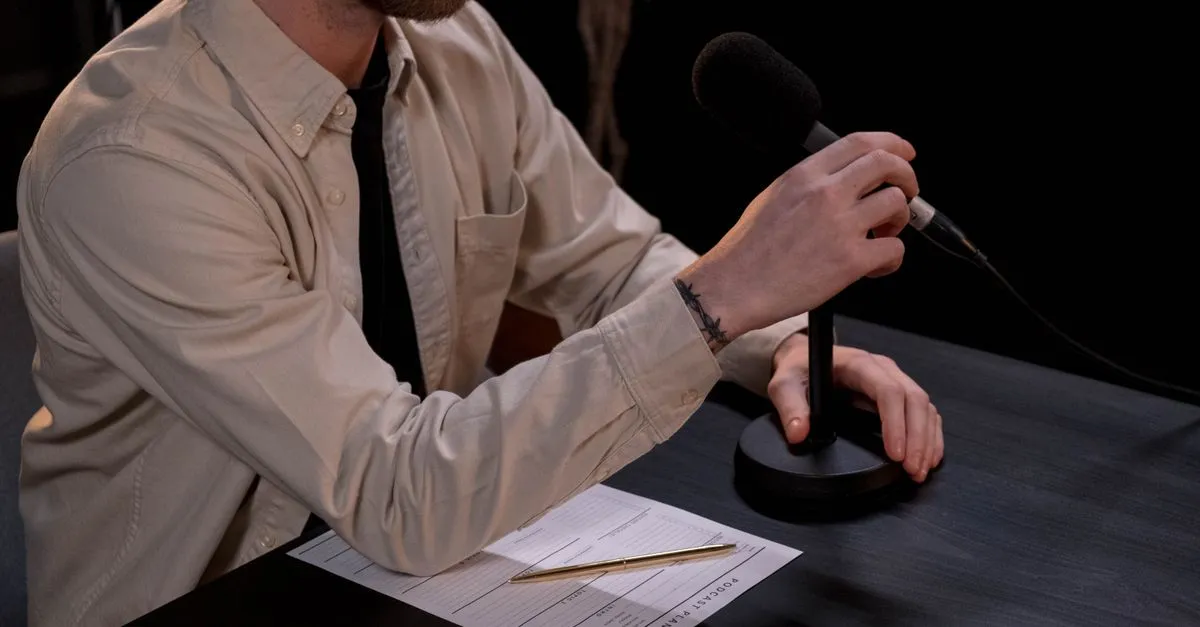
Every browser shipped since roughly 2016 has had a working audio recorder built into it. Nobody told anyone. So people keep downloading a 90 MB installer to capture a two-minute voice memo, or they email themselves a WhatsApp voice note and then wonder why the file is a .opus that nothing on their laptop will open.
The Online Voice Recorder is the same MediaRecorder API those installers wrap, minus the wrapping. Press Record, allow the mic, talk, press Stop. The audio sits in the tab as a blob until you download it.
Where the audio actually goes
Nowhere. That’s the honest answer and it matters more than it sounds.
When you hit Record, getUserMedia hands the page a live microphone stream and MediaRecorder encodes it into chunks in memory. There is no upload step in the code, because there’s nothing to upload to — the site is a pile of static files on a CDN. The obvious consequence: reload the tab before you download and the take is gone. No draft, no autosave, no recovery. Download first, then close.
The less obvious consequence is that recording length is capped by your RAM rather than by somebody’s free tier. Opus at the default browser bitrate lands around 0.5 MB per minute of speech, so an hour-long take is roughly 30 MB sitting in memory. A phone handles that. A four-hour lecture on an old Chromebook, maybe not.
WebM or WAV — pick by where the file is going
The recorder offers both, and the right answer depends entirely on the next step.
Take the WebM if the file is going to a person: a colleague, a messenger, Drive, a Telegram voice note. Opus was designed for speech and the file is small enough to send over anything.
Take the WAV if the file is going to a program: Audacity, Reaper, a transcription service, a podcast editor, an old piece of NLE software that predates 2010. WAV is 16-bit PCM in a container that has been universally readable since Windows 3.1, at the cost of about 10 MB per minute. A five-minute take is 2.5 MB as WebM and close to 50 MB as WAV: same audio, twenty times the bytes.
One caveat worth stating plainly: converting to WAV does not improve anything. Opus already discarded what it discarded. The WAV is a faithful, bulky copy of the compressed result. It’s a compatibility format here, not a quality upgrade.
Things that quietly ruin a take
Plugging in a headset doesn’t always move the system default, so check the device name shown next to the timer before you talk for ten minutes into a webcam mic across the room. Then check the mutes you forgot about: the inline button on a headset cable, the switch on a USB mic, the F4 key on a ThinkPad. The timer keeps running and the waveform stays flat, and nothing warns you.
On iOS, Safari suspends recording when you switch apps, so leave the tab in front with the screen on. And a bare desk with a laptop on it is a small reflective room; draping a jacket over a nearby chair back kills more slap echo than most software cleanup does.
If you’re not sure the level is sane before committing to a long take, run the Microphone Test first. Speech should sit around −20 dBFS; if it’s pinned at 0 you’re clipping and no amount of editing gets that back.
What this doesn’t do
It can’t record system audio. getUserMedia gives you the microphone and only the microphone, so a video call, a YouTube video, or music from your speakers only lands in the file if the mic hears it in the room. Capturing a call cleanly needs screen or tab capture with audio sharing — a different permission and a different tool.
It also isn’t a multitrack editor. One mic, one take, pause and resume within that take. For anything with layers, record here and import the WAV somewhere else.
For voice notes, a quick script read, a pronunciation check, a lecture, a meeting you have permission to record, or a demo of a bug that only reproduces with sound — open the Online Voice Recorder, hit Record, and get on with it.