What Is a Good Typing Speed? WPM Benchmarks That Actually Mean Something
Average typing speeds by skill level, how WPM and accuracy are really calculated, and the practice habits that move the needle.
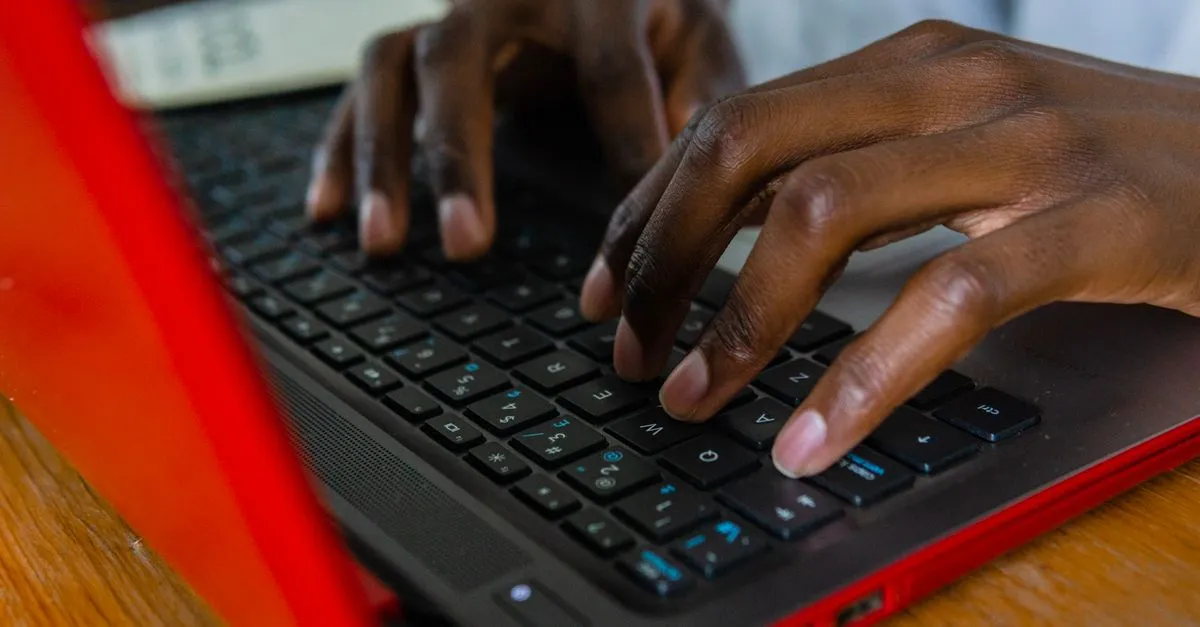
Most people type slower than they think. Ask someone to guess their speed and they’ll say 60, maybe 70 words per minute. Then they take a test and land at 41 — which happens to be about the adult average. If you want your own number, the Typing Speed Test gives it to you in 30 seconds, right in the browser.
What the numbers mean
One “word” in WPM terms is five characters, spaces included. That convention dates back to typewriter-era typing contests, and every serious test still uses it — otherwise someone typing “a an is to be” would look twice as fast as someone typing “extraordinarily”.
Rough benchmarks:
- 20–30 WPM: hunt-and-peck territory. Two fingers, eyes on the keyboard.
- 40 WPM: the adult average.
- 60–70 WPM: comfortable touch typing. Enough for any office job.
- 90–110 WPM: fast. Transcriptionists and programmers who’ve typed daily for a decade sit here.
- 150+ WPM: competitive typing. The all-time record on an IBM electric typewriter — 216 WPM by Stella Pajunas in 1946 — still hasn’t been beaten by much.
There’s a catch, though. A 30-second sprint and a 2-minute run are different tests. Short bursts measure peak speed; longer runs expose fatigue and concentration lapses. My own 30-second number is usually 10–15 WPM higher than my 2-minute one. If you want an honest figure, take the longer test.
Accuracy is the number people ignore
Speed gets the attention, but accuracy decides your real throughput. At 95% accuracy, one word in twenty needs fixing. Each fix costs a backspace, a retype, and a mental stumble — easily three seconds. Across a page of text that’s minutes lost.
This is why typing teachers repeat the same advice: slow down until you stop making errors, then let speed come back on its own. It feels wrong. It works. Typing 50 WPM at 99% accuracy beats 70 WPM at 92% in almost any real task.
The test highlights wrong letters in red as you type, and the final report lists every word you missed along with what you actually typed. Those mistake lists are worth reading — most people discover their errors cluster on a handful of letter pairs, usually involving the ring or pinky finger.
How to actually get faster
Skip the “type for hours” advice. Volume alone plateaus quickly. What moves the needle:
- Stop looking at the keyboard. This one change eventually adds more speed than anything else, even though it costs you speed for the first two weeks.
- Practice your specific weak keys. If the mistake list keeps showing the same letters, drill words containing them.
- Short daily sessions beat long rare ones. Ten minutes a day for a month outperforms a three-hour Sunday marathon.
- Retest at the same duration each time. A 30-second result and a 2-minute result aren’t comparable, so pick one and track it.
Progress is slow and then sudden. People typically gain 10–15 WPM in the first month of deliberate practice, then crawl for a while, then jump again when a finger pattern finally becomes automatic.
Nothing leaves your browser
The word list is generated locally and every keystroke is scored locally. No account, no leaderboard tracking you, nothing sent to a server. Close the tab and the session is gone.
Take a run on the Typing Speed Test — thirty seconds gets you a baseline, and the mistake breakdown tells you exactly what to practice next.