Online Stopwatch and Timer: Laps, Presets, and When to Use Each
How a browser stopwatch and countdown timer differ, why lap splits matter, and practical ways to use both for workouts, work, and the kitchen.
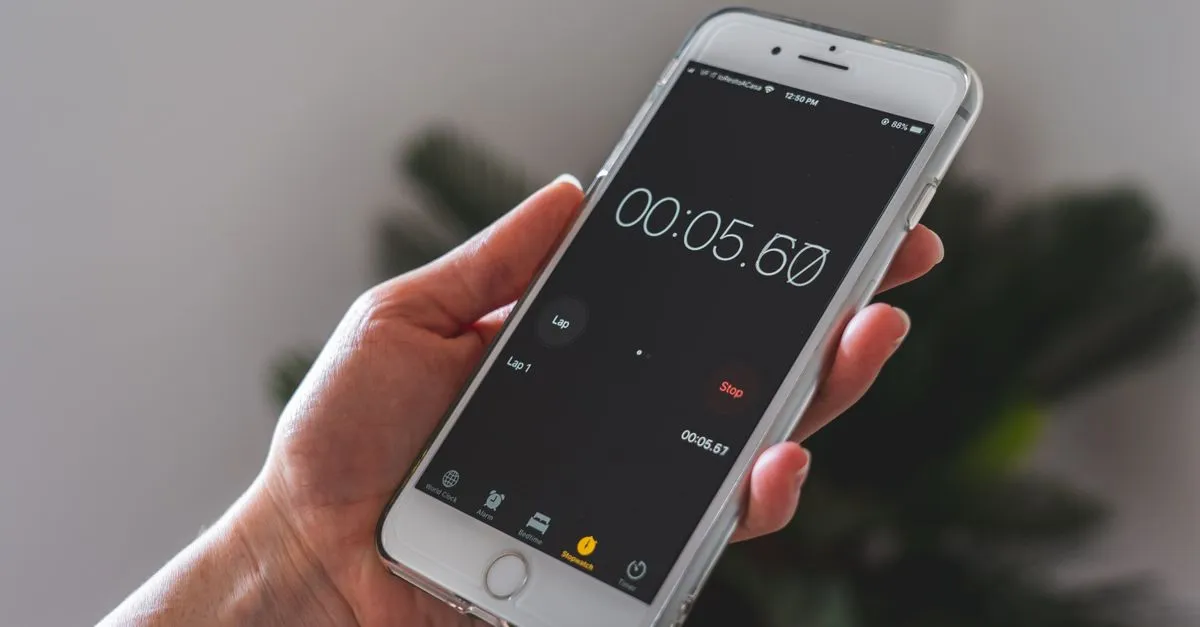
The difference between a stopwatch and a countdown timer sounds obvious until you grab the wrong one. A stopwatch counts up from zero: you start it, do the thing, stop it, and read how long it took. A timer counts down from a number you set, then shouts when it hits zero. Most of us want both, just not in the same minute. The Stopwatch / Timer keeps them on two tabs so you don’t have to hunt.
When you want the stopwatch
Reach for count-up mode when you don’t know how long something will take and you want to find out. Timing a 5K. Seeing how long a database migration actually runs. Checking whether your “quick” standup really stays under fifteen minutes. (It doesn’t.)
Laps are the part people underuse. Every time you tap Lap, the tool records a split, which is the time since your last tap, plus the running total. Run four laps of a track and you get four splits. The fastest turns green, the slowest turns red. That bit of color tells you more than a column of numbers ever will: you can see at a glance whether you faded on lap three or held your pace.
I use laps for cooking, oddly enough. Tap at each step and afterwards you know the toasting took 90 seconds and the sauce took six minutes, which is exactly the kind of detail you’ve forgotten by next week.
When you want the timer
Countdown mode is for when the number comes first. Steep the tea for four minutes. Hold the plank for sixty seconds. Work for 25 and then stop, whether you feel like it or not.
Type the hours, minutes, and seconds, or tap a preset. The 25-minute button is there on purpose: that’s one Pomodoro, the work-then-break interval a lot of people swear by. When the count reaches zero, three beeps play and the display flashes red so you notice even after you’ve wandered off. Just don’t leave the phone on silent and then blame the tool.
A few things that trip people up
The clock runs on your system time, not on the browser redrawing the screen. So if you switch tabs, lock your phone, or let the laptop sleep, the count keeps going and snaps back to the correct value the moment you return. Background timers in browsers used to drift badly. This approach sidesteps that.
Full-screen mode hides everything except the digits. It’s built for distance: a coach across a gym, a teacher running a quiet exam, a kitchen where you’re three steps from the counter. Press Escape to come back.
And nothing leaves your browser. No account, no sync, no server logging how long your workouts take. Load the page once and you can pull the network cable; the Stopwatch / Timer keeps ticking.
Stopwatch or timer, quickly
If the question is “how long did that take?”, you want the stopwatch. If you’re telling yourself “stop me after X,” you want the timer. Open the Stopwatch / Timer, pick a tab, and start.