How to Create a Digital Signature PNG (Free, No Signup)
Draw a signature in your browser, export it with a transparent background, and drop it into contracts, PDFs, and email footers in a couple of minutes.
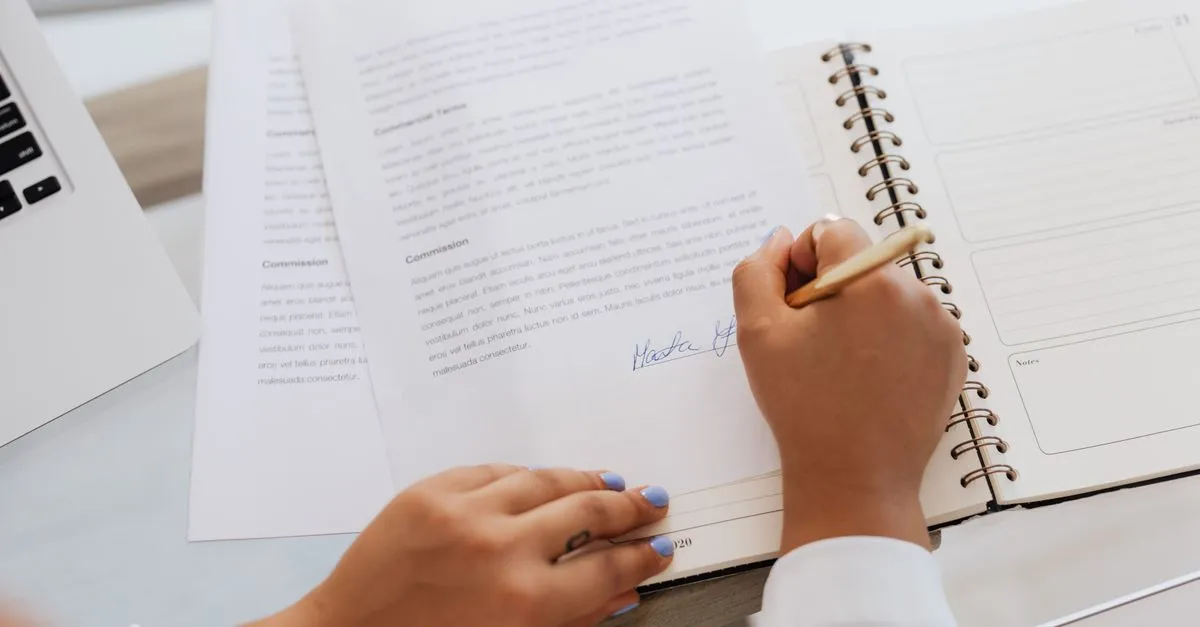
The first time I had to return a signed contract, I did it the dumb way. Printed the PDF, signed page four, photographed it with my phone at a slight angle, and emailed back a grey, lopsided image of a page. The client accepted it. It still looked like something scraped off a photocopier in 1998.
What I needed was a signature image with a transparent background, made once and reused. The Online Signature tool does that part in about thirty seconds.
Why the background matters more than the drawing
Take a photo of your signature on paper and you get a rectangle of off-white pixels with some dark squiggles in the middle. Paste that on a contract and the rectangle covers whatever it lands on: the line you were supposed to sign above, the letterhead, the paragraph below.
A PNG with an alpha channel doesn’t have that problem. The pixels around and between your strokes are genuinely empty, so the ink floats on top of the document and everything underneath stays visible. That’s the whole trick. Nothing else about a “digital signature image” is complicated.
JPG can’t do this. If you export as JPG you get white back, every time, because the format has no transparency. PNG or SVG only.
Drawing something that doesn’t look like a seismograph
A mouse is a terrible pen, and the first three attempts usually prove it. Some things that help:
- Draw bigger than you would on paper. A signature spanning the full width of the pad gets smoothed more effectively than a tiny one squeezed into the corner.
- Move faster, not slower. Slow mouse movement produces wobble; a quick confident sweep produces a curve.
- Use a phone if one is nearby. Finger on a touchscreen beats a trackpad by a wide margin, and the tool works the same on mobile.
- Undo one stroke at a time instead of clearing everything. Usually only the last letter went wrong.
The strokes are smoothed with quadratic curves through the midpoints between sample points, which is why the line looks like ink rather than a connect-the-dots polygon.
Getting it into a document
For Word: Insert → Pictures → This Device, then set text wrapping to In Front of Text so you can drag the signature over the signature line instead of pushing paragraphs around.
For an email footer, resize it down to roughly 200–250 px wide first. A full-resolution signature in every reply is a few hundred kilobytes of nothing.
For PDFs, any editor that lets you stamp an image onto a page will take the PNG directly. The exported file is rendered at three times the on-screen size, so a full-width signature lands near 2000 px wide and prints cleanly.
Is it legal?
Usually, yes. The US ESIGN Act has recognised electronic signatures since 2000, and the EU’s eIDAS regulation has done the same across member states since July 2016. A drawn signature counts as a simple electronic signature: fine for NDAs, freelance contracts, consent forms, school paperwork.
It is not fine everywhere. Wills, property transfers, and some court filings still want wet ink or a qualified certificate tied to your identity. Check the document type before assuming.
One more thing worth saying plainly: the drawing never leaves your browser. No account, no upload, no copy of your signature sitting on someone’s server waiting to be breached.
Open the Online Signature tool, sign once, save the PNG somewhere you’ll find it again, and stop photographing paper.