What Your Browser Knows About Where You Are
How the browser Geolocation API works, what each field in the response means, and why accuracy swings from a few metres to several kilometres.
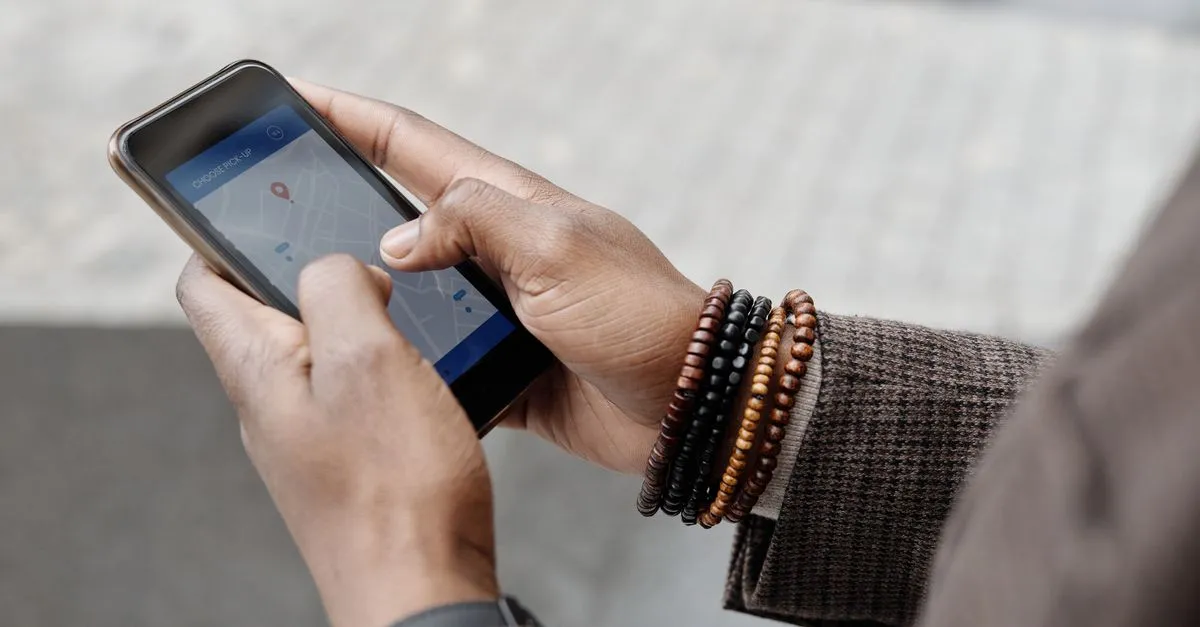
Click “share my location” on a map site and, if you’ve ever wondered what actually happens next, the answer is a single browser function called getCurrentPosition. It asks you for permission, then hands back a small bundle of numbers. The My Location Finder does exactly that and shows you the whole bundle, unedited.
Where the numbers come from
Your browser doesn’t have a GPS chip of its own. It leans on whatever the device offers and blends the signals.
On a phone, that’s real GPS, plus nearby Wi-Fi networks and cell towers to speed up the fix. On a laptop with no GPS, it’s mostly a lookup: the browser sends a list of visible Wi-Fi access points to a geolocation service (Google’s or Apple’s, usually) and gets back a best guess. With nothing but an IP address to go on, it falls back to a rough city-level estimate.
That’s why the same tool can put a phone on the right street corner and a desktop somewhere across town.
Reading the response
The interesting part is the accuracy field. It’s not decoration. It’s a radius in metres around the reported point, with roughly 68% confidence that you’re inside that circle. A phone outdoors might report 5 metres. My desktop on office Wi-Fi once reported 2,400. Same API, wildly different confidence, and the number tells you which to trust.
A few fields are often empty, and that’s normal:
- Altitude needs a real GPS fix. Wi-Fi positioning can’t measure height, so it comes back null.
- Heading and speed only appear when you’re moving with continuous tracking on. Sitting still at a desk, they stay null.
- Altitude accuracy shows up only when altitude does.
Seeing those as null isn’t a bug. It’s the browser being honest that it doesn’t know.
Why show the raw object?
I built the raw-response view because I kept opening the console to check it anyway. If you’re wiring up a map, a store locator, or a “find outlets near me” feature, you want to see the exact shape the browser returns before you write code against it. Copy it, paste it into a test, done.
It’s also just clarifying. People assume geolocation is precise because their maps app feels precise. Watching the accuracy read “1.8 km” on a laptop is a quick lesson in why that store-locator sometimes sends you to the wrong branch.
The permission and privacy bit
Nothing happens until you click and approve the prompt. That’s built into the API, not something a site can skip. And browsers only allow geolocation over HTTPS, so a plain http:// page will fail with a permission error even before asking.
Worth saying plainly: this tool reads your coordinates in the browser and displays them. They aren’t sent to belun.app. The only time your location leaves the page is if you click the map link, which opens OpenStreetMap with those coordinates in the URL.
If you want the coarse version that needs no permission, an IP Address Lookup guesses your city from your network instead. For the precise version, open the My Location Finder and see what your browser actually reports.