Color Codes Explained: HEX, RGB, HSL, and HSV
A practical guide to color formats used in web design and development, and how to convert between them instantly.
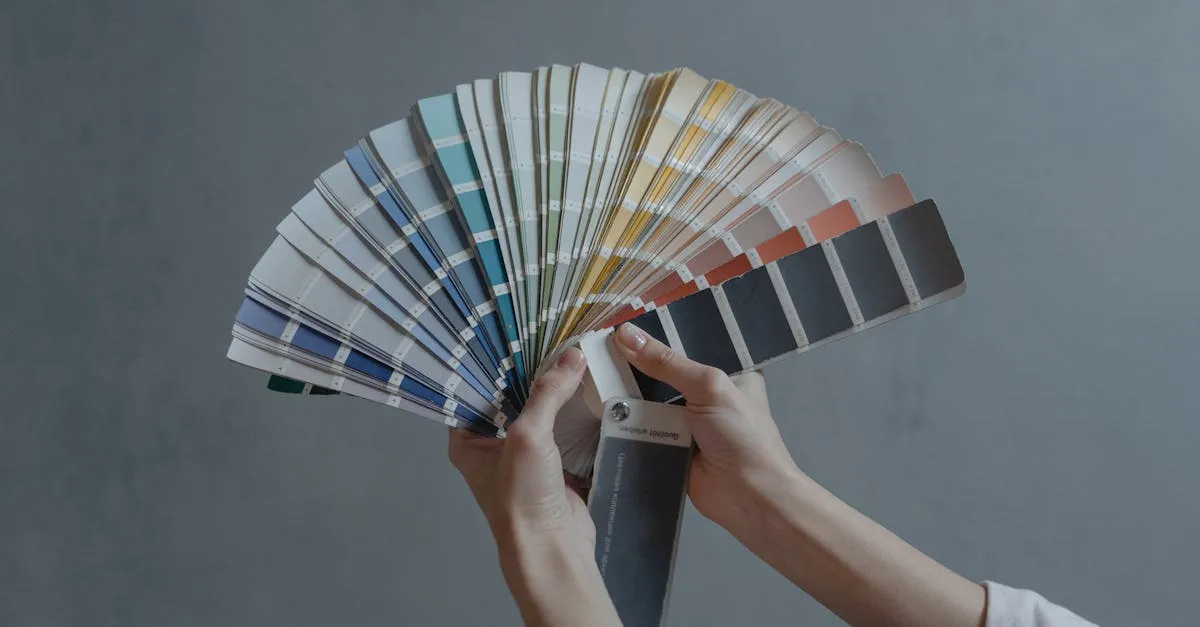
Colors look identical on screen regardless of how they’re written in code — but the format you pick affects how easy the color is to actually work with. HEX is compact and copy-pasteable. RGB maps to the physical hardware. HSL and HSV let you think in terms of hue, saturation, and lightness, which is far more useful when you’re trying to make a color darker or more muted.
Here’s what each format means and when to reach for it.
HEX — the web standard
HEX colors look like #3b82f6. Each pair of characters is a hexadecimal number from 00 (0) to ff (255), representing the red, green, and blue channels. The shorthand form #rgb doubles each digit, so #39f is the same as #3399ff.
HEX is the dominant format in CSS, HTML, and design exports from Figma and Sketch. It’s compact and trivial to copy. The tradeoff: you can’t look at #1e40af and tell it’s a dark navy blue.
RGB — the hardware model
rgb(59, 130, 246) expresses the same blue as #3b82f6. The three values are red, green, and blue intensity from 0 to 255.
RGB is the native model for screens — every pixel on an LCD or OLED display is physically driven by red, green, and blue sub-pixels. CSS supports rgb() and the newer rgba() with an alpha channel. It’s the right choice when you need to calculate color blends programmatically or work with transparency.
HSL — the designer’s model for CSS
hsl(217, 91%, 60%) describes the same blue with three human-readable numbers:
- Hue (0–360) — the color family. 0° is red, 120° is green, 240° is blue.
- Saturation (0–100%) — how vivid the color is. 0% is grey; 100% is fully saturated.
- Lightness (0–100%) — 0% is black, 50% is the pure hue, 100% is white.
HSL is native to CSS and makes color scales straightforward: lower the lightness for a darker shade, reduce saturation for a muted tone. Tailwind CSS’s palette is built on exactly this kind of HSL arithmetic.
HSV (HSB) — the designer’s model for design tools
HSV uses the same hue and saturation as HSL, but swaps Lightness for Value (also called Brightness):
- Value (0–100%) — 100% gives you the pure, vivid color; 0% is always black.
At 100% value and varying saturation, you move from the pure hue down to white. This maps more naturally to how designers think about tints and shades — which is why Photoshop, Figma, and Affinity Designer use HSV in their color pickers, not HSL.
Picking the right format
| Use case | Best format |
|---|---|
| Writing CSS | HEX or HSL |
| Reading from a design file | HEX |
| Generating color scales programmatically | HSL |
| Working in Photoshop / Figma color picker | HSV |
| Calculating alpha / opacity | RGB with rgba() |
Converting between formats
The math exists, but few people memorize it. The hue-to-RGB conversion alone has six branches. Our Color Converter handles all the arithmetic instantly — paste any format and every other representation updates live.
There’s also a native color picker: click the swatch, choose visually, then copy whichever format your project needs.
Open the Color Converter — enter any color in any format and copy the result with one click.