How to Encrypt Text with a Password (AES-256, In Your Browser)
What AES-256-GCM and PBKDF2 actually do to your message, how to pick a password worth using, and when browser encryption is the wrong tool for the job.
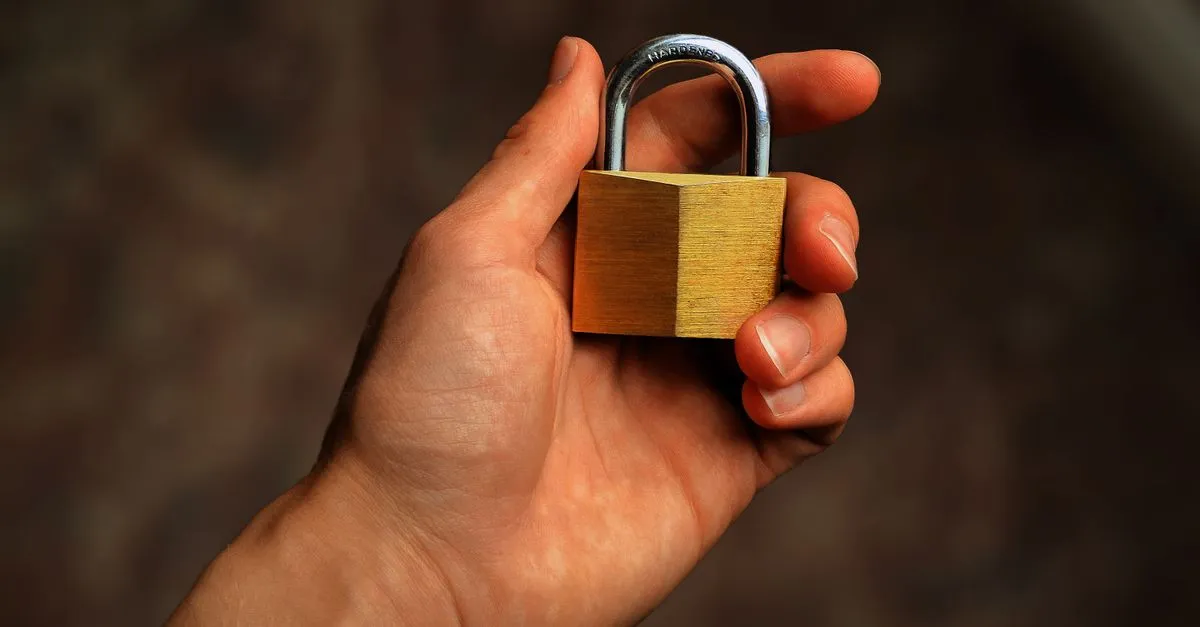
Sometimes you need to put a few sentences somewhere they don’t belong. A recovery phrase in a note-taking app. A staging database password in a Slack thread. Wi-Fi credentials in a message to a colleague who is already on the train.
Encrypting that text with a password is the small, boring solution. The Text Encryption tool does it in the browser, with no account and no upload, so the plaintext never exists anywhere except the tab you typed it into.
Your password is not the key
This is the part most people skip, and it’s the part that matters.
AES-256 needs a 256-bit key: 32 bytes of high-quality randomness. hunter2 is seven bytes of very low-quality randomness. Feeding it straight in would give an attacker a tiny search space to grind through.
So the password goes through PBKDF2-HMAC-SHA256 first. The function hashes your password together with a random 16-byte salt, then hashes the result again, 600,000 times. That number comes from OWASP’s password storage guidance, updated in 2023 after GPU cracking rigs got fast enough to make the old figure of 10,000 look decorative.
You feel this as a short pause when you click Encrypt. That pause is the point. An attacker guessing a million passwords has to pay it a million times over.
Why the same text encrypts differently every time
Encrypt “hello” twice with the same password and you get two completely different blocks. That’s deliberate. Both the salt and the 12-byte initialisation vector are freshly generated per message, so identical inputs never produce identical outputs.
Without that, someone watching your messages learns things without decrypting anything. Same ciphertext on Tuesday and Friday means the same message was sent twice. Repeated blocks inside one message leak structure. This is roughly the failure that makes the ECB-mode penguin image famous.
GCM mode adds a 16-byte authentication tag. Flip a single bit anywhere in the encrypted block and decryption fails outright rather than producing garbage that looks vaguely like text. That’s a feature: you learn the message was tampered with instead of trusting a corrupted result.
The layout, if you’re curious: one version byte, a four-byte iteration count, the 16-byte salt, the 12-byte IV, then the ciphertext with its tag. Base64 wraps it all up and adds about a third to the size.
Picking a password that isn’t the weak link
Four random words from a 7,776-word Diceware list gives roughly 51 bits of entropy. Tr0ub4dor&3 gives around 28, despite feeling more “secure” because of the punctuation. Length and randomness win; clever substitutions don’t.
Rules that actually help:
- Generate it, don’t invent it. Human-chosen passwords cluster in predictable places.
- Never reuse a password you use for logins. If it leaks anywhere, it leaks here.
- Send the password through a different channel than the ciphertext. Same-thread delivery defeats the whole exercise.
- Write it down before closing the tab. There is no recovery. Lost password, lost message, end of story.
When this is the wrong tool
Encrypting a note in a browser tab is not a substitute for real key management. If you’re protecting files, use age or GPG. If you’re sharing secrets with a team on an ongoing basis, use a password manager with proper sharing. If your threat model includes a compromised device, nothing in a web page saves you, because whatever is reading the page is reading your keystrokes too.
It is also worth keeping three things apart that get muddled constantly. Encryption is reversible and needs a key. Hashing is not reversible at all. And a code — Morse code, say — is reversible and needs no key whatsoever: it doesn’t hide the message, it just carries it in another form, and anyone holding the chart can read it. If you reach for Morse so that nobody understands, you have picked the wrong tool.
For a message you need to park somewhere semi-public for a week, though, this is exactly the right size of tool. Open Text Encryption, paste the text, pick a passphrase you’ll remember, and copy the block.