How to Sign a PDF Without Uploading It Anywhere
What actually counts as a valid e-signature, why vector ink beats a pasted PNG, and the fillable-form trap that catches everyone.
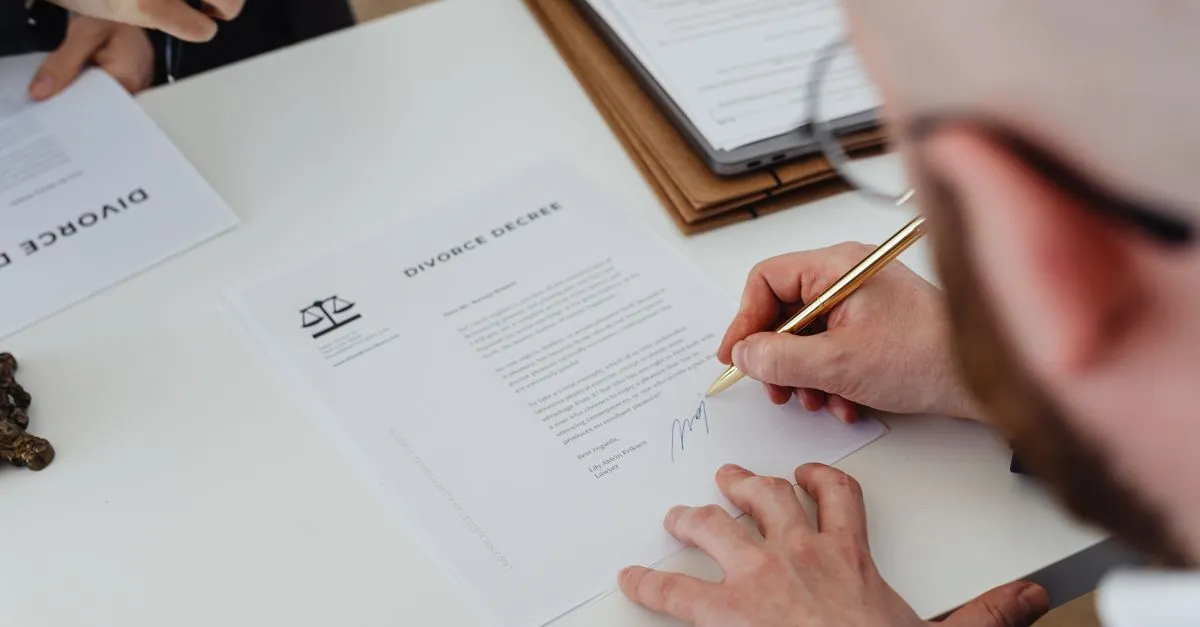
Someone emails you a lease at eleven at night and wants it back signed before the office opens. For years the options were print, sign, scan, apologise for the crooked phone photo — or hand the whole document to a website that promises to delete it later.
Sign PDF is the third option. Draw your signature with a trackpad or a finger, drag it onto the page, download the file. The PDF is read and rewritten by JavaScript in your own tab, so the lease never leaves your laptop.
Is a drawn signature actually valid?
For ordinary agreements, usually yes. The US E-SIGN Act, in force since October 2000, and the EU’s eIDAS regulation both define an electronic signature as any mark you apply to show you meant to sign. Neither requires particular software. What you get from a drawing pad is what eIDAS calls a simple electronic signature, which sits in the same legal category as a scanned autograph pasted into a Word file. That category covers most of what lands in an inbox: NDAs, offer letters, consent forms, freelance contracts.
The exceptions are specific rather than ominous. Property transfers, wills, and anything notarised generally want a qualified signature backed by a certificate from an accredited provider.
Worth separating those two ideas, because vendors use the words interchangeably and it causes real confusion. A digital signature is cryptography: a certificate is bound to the file so a reader can check who signed and whether a single byte moved afterwards. Visible ink says “I agreed to this” and nothing more. Most contracts only ever needed the second thing. If your counterparty specifically asks for the first, you need a certificate authority, not a browser.
Vector ink, not a pasted picture
Most signing tools rasterise. Your strokes become a small PNG that gets dropped on the page, and it looks fine at 100% until somebody zooms in or sends it to a printer, at which point the edges go to mush.
This tool writes the strokes as actual curves. The pad smooths your jittery mouse trail with quadratic curves; PDF only speaks cubic, so each one is converted to the exact cubic equivalent. The signature is then as sharp at 400% as at 100%, and it adds roughly two kilobytes to the file instead of the hundred-plus a bitmap stamp costs. On a 40-page contract where someone has to initial every page, that difference is the gap between an email that sends and one that bounces.
The fillable-form trap
Here is the one that catches people. You download a form from a government site, type into the boxes, then sign it — and the typed answers vanish from the saved copy.
Interactive form fields live in a separate layer from the page content, and that layer is not carried across when the document is rebuilt. So do it in this order: fill the form in your PDF reader, flatten it or print it to PDF so the answers become page content, then sign the flattened file. Two minutes of ordering saves you re-typing a tax form.
Getting the placement right
A signature on US Letter paper usually wants to be around two and a half inches wide, which is roughly 30% of the page width — the slider’s default. Drag the dashed box onto the line, then use the arrow keys for the last couple of pixels; Shift plus an arrow moves it in bigger steps.
If your document is a sideways scan, don’t fight it. The tool reads each page’s rotation flag, so the bottom right of the page as you see it is where the ink lands. A surprising number of online signers skip that step and print the signature running up the edge of the paper.
Need every page initialled? Place the signature once, tick “Stamp on every page”, and sign. Open the tool and get the lease back before the office opens.