How to Cut an MP3 Without Losing Any Quality
Most online MP3 cutters decode and re-encode your file. Here is what a frame-aligned cut does instead, and when a WAV export is the better answer.
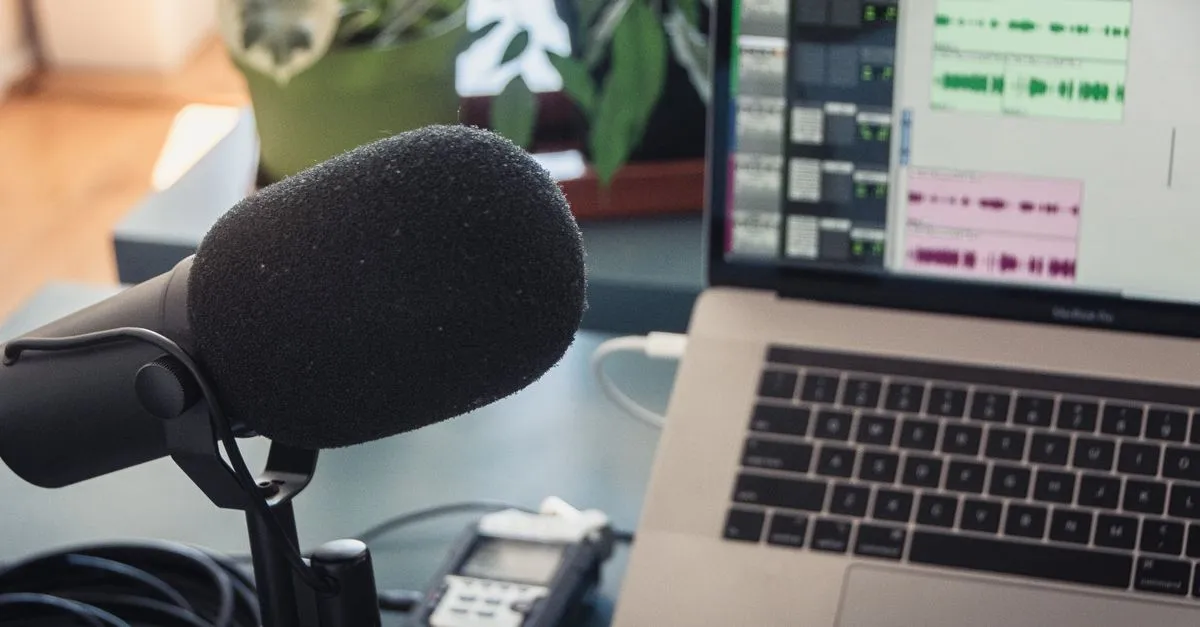
The first time I trimmed four seconds off a podcast intro with an online cutter, the file came back smaller than the math allowed and flatter on headphones. I had deleted four seconds. Nothing else was supposed to change.
What happened is the part those sites rarely advertise. They decoded my MP3 into raw audio, cut it, and encoded it again at whatever bitrate their server defaults to. Two rounds of lossy compression on a file that only ever needed one.
An MP3 is already chopped into pieces
An MP3 is not one continuous stream. It is a chain of independent frames, each holding 1152 samples of audio, which works out to about 26 milliseconds at 44.1 kHz. Every frame carries its own four-byte header saying which bitrate and sample rate it uses, and a decoder can start playing from any one of them. That is why a half-downloaded MP3 still plays up to the point where it stopped.
So there is a cheaper way to cut one. Find the frame your selection starts in, find the frame it ends in, and copy that byte range into a new file. No decoding. No encoder. The audio you keep is the identical bits it was before, because nothing ever looked at the samples.
That is what the Audio Trimmer does when you press Download MP3. It parses the frame table, snaps your two handles to the nearest frame edge, and tells you where they landed.
Where 26 milliseconds stops being close enough
Frame alignment is a real constraint, not a rounding detail. If you are lopping off a silent lead-in or pulling a chorus out of a track, nobody will ever hear the difference. If you are trimming the breath before a singer’s first word, 26 ms is exactly the window you care about.
That is the case for the WAV export. It works on the decoded samples, so the cut is accurate to one sample out of 44,100 per second, and it can apply fades. The cost is size: 16-bit stereo at 44.1 kHz is roughly 10 MB per minute whatever the source was. A four-minute track that came in as a 5 MB MP3 leaves as a 42 MB WAV.
The tick at the start of a cut MP3
Sometimes a frame-aligned cut has a faint tick in the first fraction of a second. It is the format, not the tool.
Layer III uses a bit reservoir: a frame that needs more data than its bitrate allows can borrow unused space from frames before it. Cut at an arbitrary frame and the first one or two frames may be missing the borrowed data they were counting on, so they decode slightly rough. The effect lasts about 50 ms and then the stream self-corrects. Start the selection somewhere quiet and you will never notice.
Your tags will not come along
The trimmed MP3 has no title, no artist, no cover art. ID3 tags live outside the audio frames, and so does the Xing header that states the original duration. Copying that header into a shorter file makes players show the wrong length, and seeking goes strange. Dropping both is the honest option. Add the tags back in your player afterwards if you need them.
One more thing worth knowing, since frames are self-contained: you can join two MP3 cuts by concatenating them. On Windows, copy /b part1.mp3 + part2.mp3 out.mp3 gives a playable file. That is how you delete a section from the middle, which no single pass of a trimmer will do for you.
Drop a file into the Audio Trimmer and cut it in the tab — the audio never leaves your machine, so there is no upload wait and no size cap.